How to Send B2B Cold Email From Your Own Gmail Safely
Sending B2B cold email from your own Gmail: why it helps replies, the deliverability basics (SPF, DKIM, DMARC, spam rates), and habits that protect your domain.
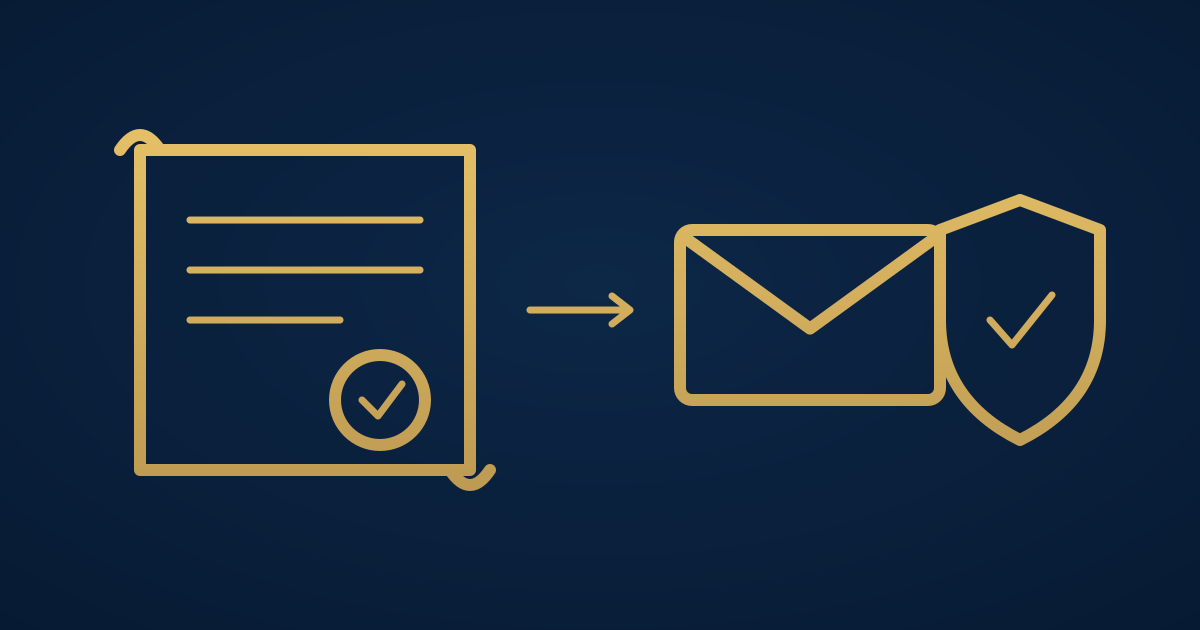
For centuries, Indian traders moved money across the country on a piece of paper called a hundi.
A merchant in one city wrote a hundi, and a trader in another city paid out on it. There was no central authority behind it. What made it work was reputation: a hundi was honoured when the people named on it were known and trusted in the bazaar. One from a stranger was looked at very carefully, if it was accepted at all.
Email works in much the same way. Gmail, Outlook and other mailbox providers decide what reaches the inbox largely by who is sending: whether the domain is set up properly, whether it has a history of sending mail people want, and whether people reply. Mail from a known, trusted sender gets through. Mail from an unknown one gets checked, and often filtered.
Sending from your own Gmail gives you a known name. The rest of this post is about keeping that name trusted.
Sending cold email from your own Gmail or Google Workspace account has a big advantage: it looks and feels like a normal email from a real person, because it is. Replies land in the inbox you already use. But it also means your own domain's reputation is on the line. This guide covers how to send from your own inbox safely.
Why Send From Your Own Inbox
- It's a real conversation. A name and address the recipient can reply to, not a no-reply bulk sender.
- Replies come to you. No separate tool inbox to check.
- Fewer moving parts. No extra sending domain to set up and warm up.
The trade-off: if you send carelessly, your main domain's reputation suffers, and that can affect your everyday email too.
The Deliverability Basics
1. Authenticate your domain
| Record | What it does |
|---|---|
| SPF | Lists which servers may send email for your domain |
| DKIM | Adds a signature proving the email wasn't changed and came from your domain |
| DMARC | Tells receiving servers what to do when SPF or DKIM checks fail |
If you use Google Workspace, set up SPF and DKIM for your domain, and add a DMARC record. Google's sender guidelines require all three for senders who send around 5,000 or more messages a day to personal Gmail accounts, and they are good practice at any volume.
2. Keep spam complaints low
Google's guidelines expect senders to keep user-reported spam rates low; for bulk senders, Google names 0.3% as a level to stay below. Each "report spam" click counts against you, so only email people who have a real reason to hear from you.
3. Respect Gmail's sending limits
Google sets daily sending limits for each Gmail and Workspace account. Stay well under them. Cold outreach should be steady and modest, not bursts.
Key insight: Deliverability is mostly decided before you click send, by who you choose to email and whether your addresses are verified.
Habits That Protect Your Domain — Step by Step
- Verify every address first. Bounces hurt your reputation. (See: Why Verify Email Addresses Before B2B Cold Outreach)
- Send a modest number per day. Spread outreach through the week.
- Write to people with a reason. A recent signal like funding, a launch or hiring makes the email relevant, and relevant emails get fewer spam reports.
- Include an unsubscribe link, and honour opt-outs permanently.
- Keep a person in the loop. Review each email before it goes out.
- Watch for warning signs. Rising bounces, or replies saying your email landed in spam, mean stop and check.
Common Mistakes to Avoid
Mistake 1: Sending a big batch on day one
A sudden jump in volume from a new pattern looks suspicious. Start small and stay steady.
Mistake 2: Skipping DMARC
Without it, your domain is easier to spoof, and mailbox providers trust it less.
Mistake 3: Making opting out hard
If people can't unsubscribe easily, they click "report spam" instead, which is much worse for you.
A trader's name was only as good as the last hundi it backed. Your sending domain works the same way, which is why these habits matter more than any single campaign.
How Discovery Hub Fits
Discovery Hub is built for sending from your own inbox. You sign in with Google, emails go out from your own Gmail address, and replies come back to your inbox, where they are read to track outcomes. Every address is verified before sending, every email includes an unsubscribe link, and nothing sends until a person approves it.
(See also: B2B Cold Email Follow-Ups: How Many and When to Send)
Tags
Ready to Scale Your Influencer Marketing?
Join 1,000+ brands using FootPrynt's AI platform for influencer discovery, outreach, and attribution.
Start Free Trial →