Why Verify Email Addresses Before B2B Cold Outreach
Unverified email addresses cause bounces that hurt your sender reputation. How email verification works, what results mean, and how to build it into outreach.
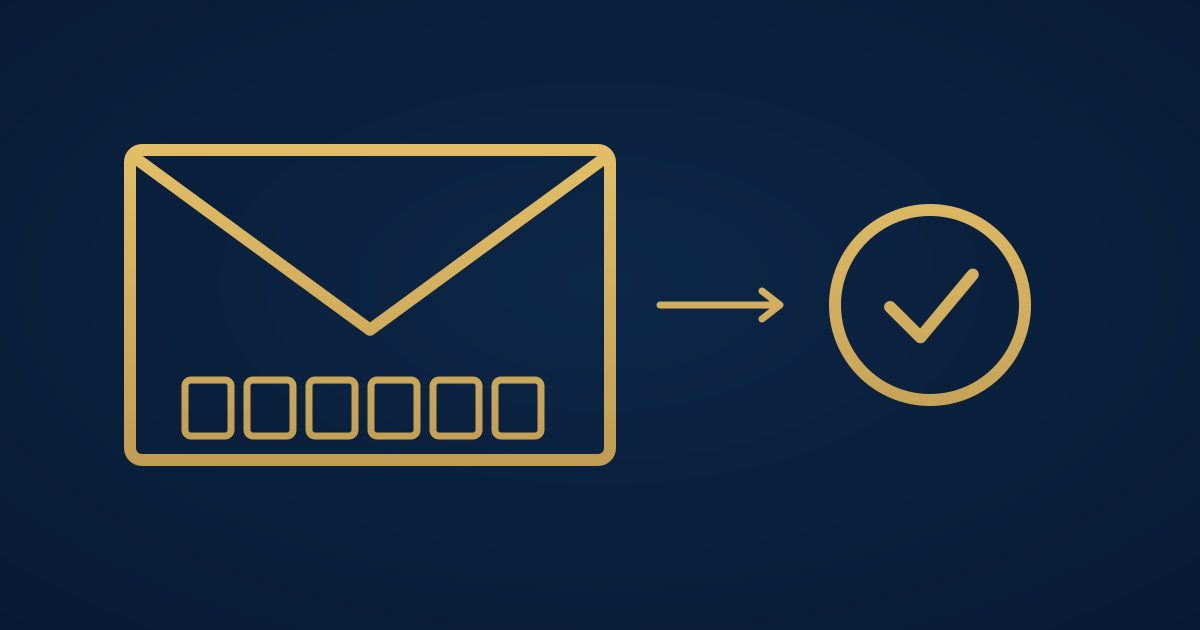
Before 1972, a letter addressed to "Rampur" had a problem: India has many Rampurs.
Towns and villages across the country shared names, and addresses were written in many scripts and languages. Sorters had to work out where a letter was meant to go, and when they got it wrong, the letter went to the wrong place or never arrived.
On 15 August 1972, India Post introduced the six-digit PIN code, devised by Shriram Bhikaji Velankar of the Ministry of Communications. A number replaced the guesswork: each code points to one delivery post office, whatever language the address is written in.
Email has the same problem in a different form. An address can look perfectly fine and still lead nowhere. And when it does, it's the sender who pays: every bounce tells mailbox providers that you don't know who you're writing to.
The fastest way to damage a cold outreach program is to send to addresses that don't exist. Every bounce tells mailbox providers you're sending to a list you don't know well, and enough of them can push your emails to spam, even the good ones. Verifying each email address before you send is one of the cheapest protections you have.
Email Verification — What It Actually Checks
Email verification answers one question: is this address likely to receive mail? A verification check usually looks at:
- Format. Is it a valid address shape (name@domain)?
- Domain. Does the domain exist, and is it set up to receive email?
- Mailbox. Does the mail server indicate that this specific mailbox exists?
- Risk flags. Is it a disposable address, or a role address like info@ that few people read?
What the results mean
| Result | Meaning | What to do |
|---|---|---|
| Valid | The mailbox appears to exist | Safe to send |
| Invalid | The address or domain doesn't accept mail | Never send |
| Catch-all | The domain accepts every address, so the mailbox can't be confirmed | Send carefully, or find another contact |
| Unknown | The server didn't give a clear answer | Retry later, or treat as risky |
Key insight: "Catch-all" doesn't mean valid. Some company domains accept everything and bounce later. Treat them as a risk, not a green light.
Why It Matters for Your Sender Reputation
Mailbox providers like Gmail watch how recipients and servers react to your mail. High bounce rates and spam complaints suggest a sender who isn't careful about who they email. Google's sender guidelines also expect senders to keep spam complaint rates low, and give large senders specific authentication and unsubscribe requirements.
Bounces are entirely avoidable. Verification removes most of them before they happen.
(See also: How to Send B2B Cold Email From Your Own Gmail Safely)
How to Build Verification Into Outreach — Step by Step
- Verify at the point you find the contact. Don't wait until sending day; addresses go stale.
- Re-verify older lists. People change jobs. An address that was valid six months ago may bounce today.
- Drop invalid addresses immediately. Don't "try once and see".
- Decide a rule for catch-all and unknown. Many teams only send to these when the account is high priority.
- Watch your bounces. If bounces rise, stop and check the list before sending more.
Common Mistakes to Avoid
Mistake 1: Guessing addresses from a pattern
firstname.lastname@company.com is common, but not universal. A guessed address you didn't verify is a bounce waiting to happen.
Mistake 2: Buying big unverified lists
Large purchased lists mix old, wrong and trap addresses. They can hurt your domain quickly.
Mistake 3: Verifying once and never again
Verification is a snapshot. Re-check anything you haven't emailed recently.
The PIN code didn't make letters better written. It made sure they arrived. Verification does the same job for email: check the address before you send, not after it bounces.
How Discovery Hub Handles This
Discovery Hub finds the right decision-maker at each company and verifies their email address before sending. Your team approves every email, it goes out from your own Gmail, and every email includes an unsubscribe link, so you protect your reputation without extra steps.
(See also: Signal-Based Outbound: A Practical Guide for B2B Teams)
Tags
Ready to Scale Your Influencer Marketing?
Join 1,000+ brands using FootPrynt's AI platform for influencer discovery, outreach, and attribution.
Start Free Trial →